 By
By Lume is now on iPhone. Version 1.4 is on the App Store today, and if you already bought Lume for your Mac, the iPhone app is yours too - open the App Store on your phone, search for Lume, and download it with the same Apple ID.
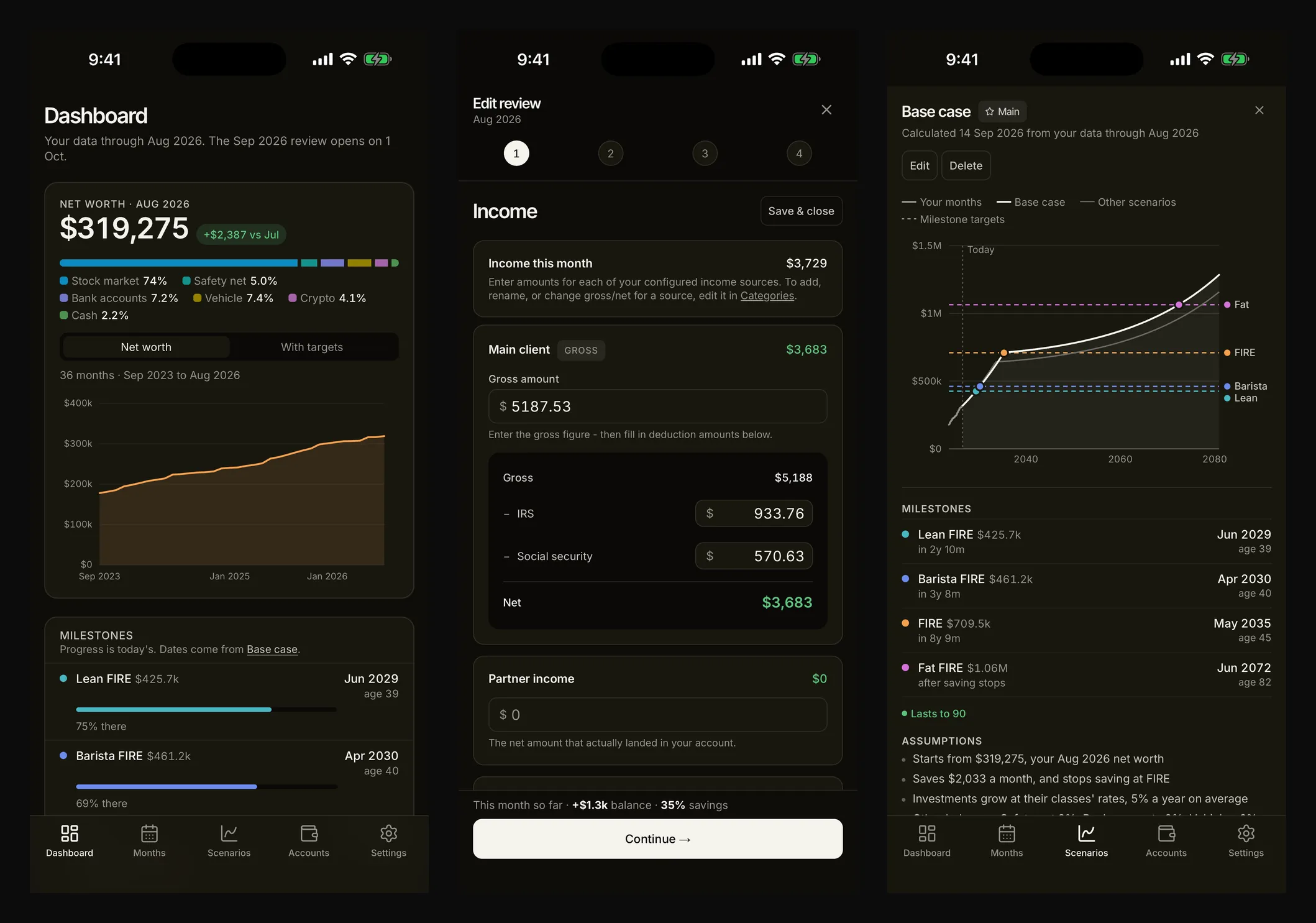
Why a phone
Keeping up with your finances once a month means looking at what landed in your account and what the card statement says. Most of that lives in apps on your phone already. Doing it there, where the numbers are, removes the one step that made it easy to put off - sitting down at a desk.
So the iPhone app starts with the month. In 1.4 that is the whole monthly close, including fetching month-end prices for your holdings and recording the trades you made that month. When you confirm, the Dashboard, Months and your scenarios update, exactly as they do on the Mac.
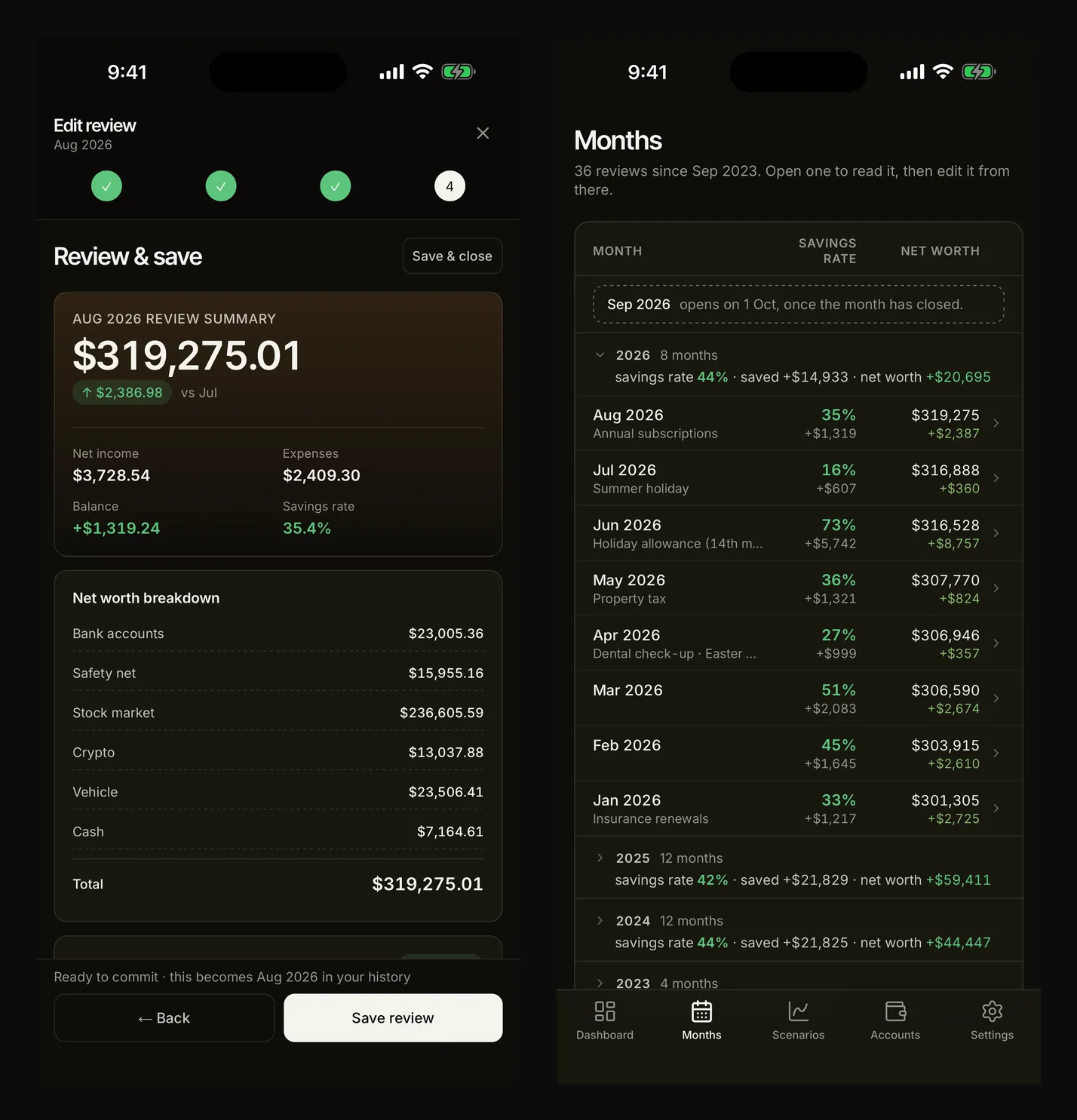
A companion, not a copy
The iPhone app has almost everything the Mac app has: the Dashboard with your FIRE milestones, every month you have confirmed, Scenarios, Accounts and their trades, Categories, and all of Settings. What 1.4 leaves out is file work. Importing and exporting CSV and JSON backups stays on the Mac, where there is a keyboard and a file system worth using. (Lume 1.5 brought files to the iPhone too.)
That was a deliberate trade. Lume on iPhone is built from the same code as Lume on Mac, rather than a second app written from scratch, so the maths behind your milestones and the encryption behind sync are the same on both - and will stay that way. Lume on iPhone lists exactly what is where.
It is also complete on its own. You do not need a Mac to use it: install it, add your accounts, and start with this month.
Sync, still unreadable
If you use both, turn on sync on each with the same email and passphrase. Your months, accounts, categories and scenarios then stay the same on your Mac and your iPhone. Nothing about how sync works has changed: your data is encrypted on the device before it is uploaded, your passphrase never leaves it, and we store a block of ciphertext we cannot open.
The iPhone adds one thing of its own. Under Settings → Privacy you can require Face ID to open Lume, so your finances stay covered - in the app switcher too - until you unlock it. The check happens on your phone, and nothing about it reaches us.
One purchase
Lume is still a one-time purchase, and now it covers both. No subscription, no in-app purchases, no separate iPhone price. Buy it once, on either device, and it is yours on both.
General information, not financial advice. Your taxes, pension and circumstances will differ from the examples here. More on that.